

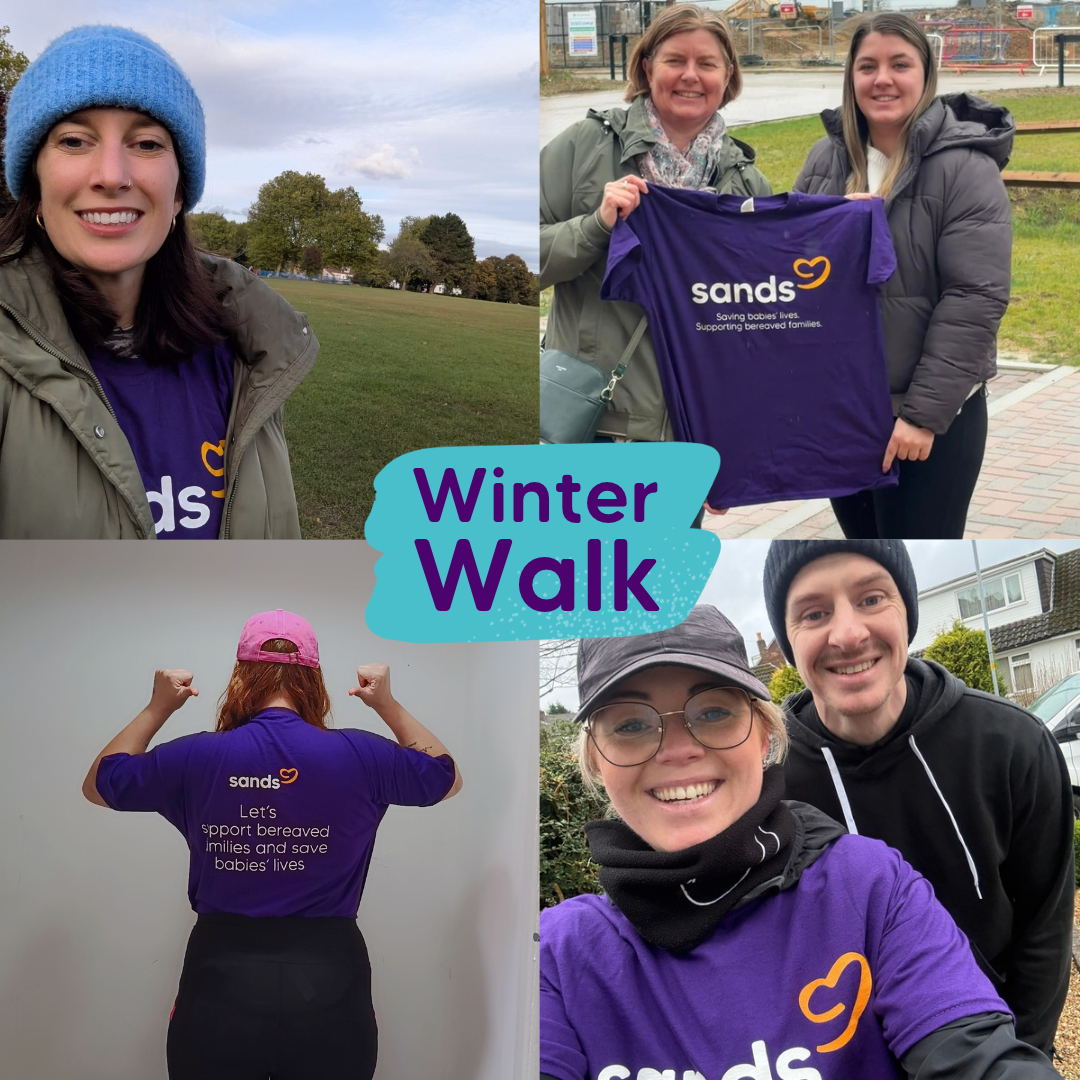
Register. Get the t-shirt. Walk 60k in December
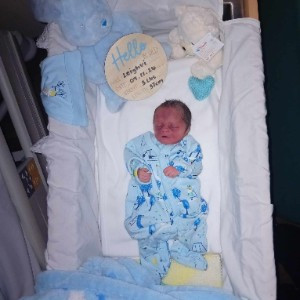
Help save babies’ lives. 🧡
594
Registrations
 Dei's Bestie just donated £10
Rae just donated £56
 Kelly Mapals just donated £10
 Joanne Williams just donated £23
 Ryan Biddlecombe just donated £10
 Sara Walker just donated £10
Laura just donated £23
Angela Firminger just donated £30
Stephen just donated £23
 Emily just donated £12
 Sharon Wright just donated £7
 Emily Hetherington just donated £28
 Sharon Mace just donated £12
 Anonymous just donated £28
- Sarah Owen just donated £40
 Nicol Hartley just donated £18
 Tyler Thompson just donated £5
- Tyler Thompson just donated £25
 Holly Mumford just donated £50
- Ele Thurlby just donated £51
Why?
Sands want to ensure that everyone affected by the loss of a baby gets the support they need and deserve when facing the toughest of times. We want to campaign for change and support research so that fewer babies die and that fewer families experience the pain of losing a baby.
Register
Fundraise
Share your fundraising page with friends and family
Walk
Walk 60k in December and join thousands of others starting on the 1st December and ending on the 31st December.
Join our Facebook group community






Frequently Asked Questions
How do I sign up?
Register for your FREE t-shirt and fundraising pack here.
When you register, your fundraising page will be automatically set up for you.
How do I get my free t-shirt?
Is there an entry fee?
There is no entry fee for this challenge but we do however ask you to fundraise as part of your challenge.
Using the fundraising page set up for you when you register is the easiest way to collect sponsorship.
How do I keep track of how many KMs I've done?
There are two ways to track your Winter Walk kilometres on your fundraising page: automatically by connecting a fitness app, or by adding your activities manually.
If you're using Strava, Garmin or Fitbit
You can connect your Strava, Garmin or Fitbit account directly to your fundraising page. Once connected, your activities will automatically sync and your total distance will be added to your challenge progress.
Please note: when you connect a fitness app, all eligible activities recorded in that account will sync to your fundraising page, not just your Winter Walk activities. If you regularly use your fitness tracker for other sports or exercise, you may prefer to add your walks manually instead.
To connect your fitness app:
- Log in to your fundraising page.
- Go to My Fitness Activity.
- Select Connect Device.
- Follow the prompts to link your Strava, Garmin or Fitbit account.
If you'd prefer to add your kilometres manually
You can log your Winter Walk distances yourself at any time.
To add an activity manually:
- Log in to your fundraising page.
- Go to My Fitness Activity.
- Select Add Activity.
- Enter your walk details, including the distance you've completed.
- Save your activity and your challenge total will update automatically.
Manual entry is a great option if you only want to count your Winter Walk kilometres or if you don't use a fitness tracking app.
Top tip: Try to update your page regularly so you can track your progress towards your distance goal and share your achievements with friends and family supporting you.

