

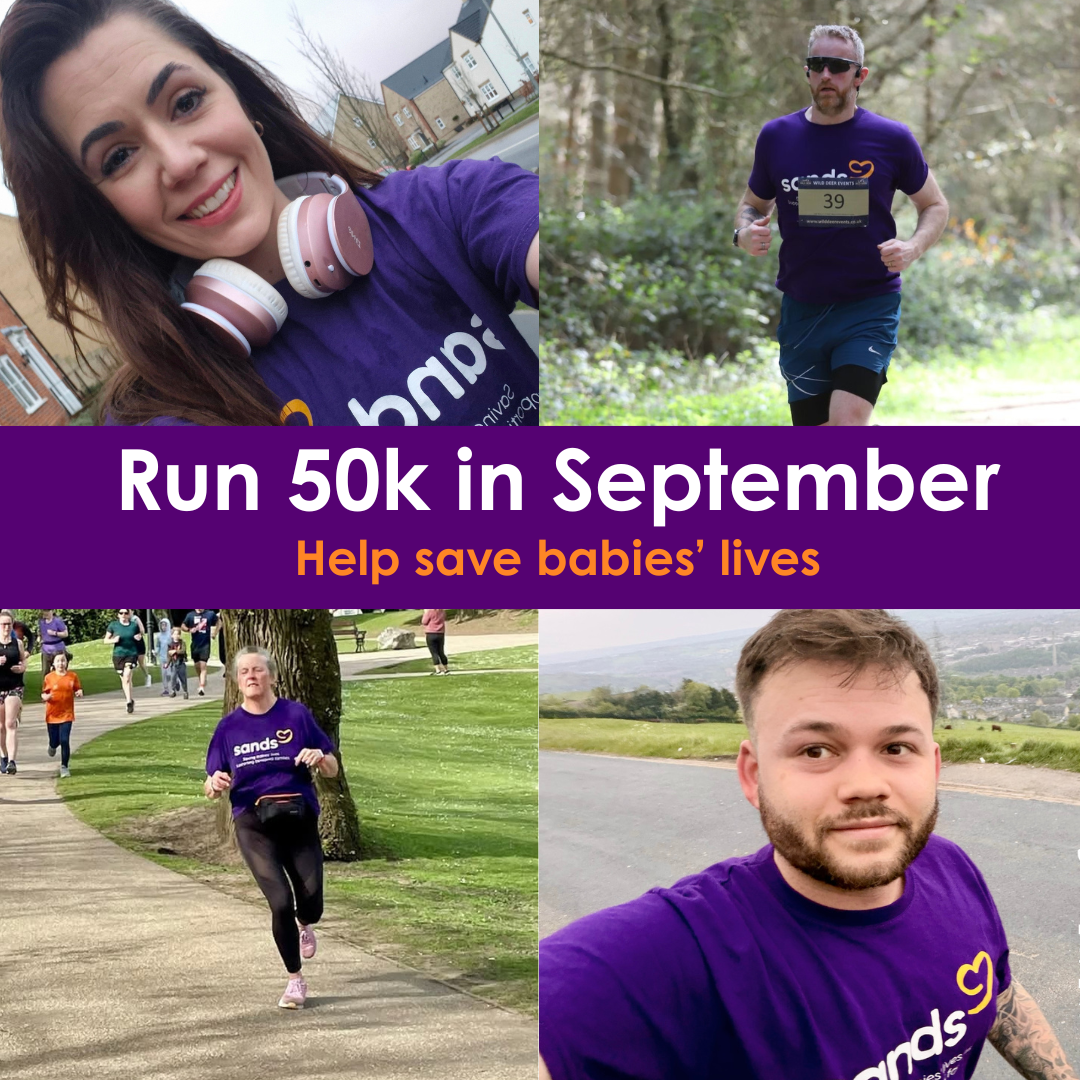
Donate. Run 50k in September. Help save babies’ lives. 💜
2,258
Registrations
Register
Fundraise
Share your fundraising page with friends and family
Run
Start your run 50k on the 1st September and join thousands others taking part.
 David Alchin just donated £20.00
 Lisa Evans just donated £20.00
 Killen Rangers Fc 💙⚽️ just donated £120.00
- Johnny Harron just donated £50.00
- Andrew Diane Dylan & Leah Crawford just donated £50.00
 Anonymous just donated £15.00
 Rob Wright just donated £109.25
 Nicola Marsland just donated £5.00
 Nicola Marsland just donated £5.00
Bromley Business Network just donated £40.00
Suzanne Morgan just donated £200.00
 Keyloop just donated £377.00
 Gav just donated £10.00
 Lisa Dawson just donated £10.00
- Sinead Mcgarvey just donated £20.00
- Matthew just donated £20.00
- Michelle and Kenny Ramsey just donated £50.00
- Dergview just donated £50.00
 Tony Symonds just donated £10.00
- Sally Goulding just donated £55.88
Why?
Join thousands of others across the UK running together to help save babies’ lives and support families facing baby loss. We all know someone who has lost a baby. When you run you’re raising vital funds that will really matter to those who matter to you.
Join our Strava Club
Make sure to check out our Strava club where you can log your runs, post updates and meet others taking on the challenge.








Frequently Asked Questions
How do I sign up?
This challenge has now started and registration is now closed, however if you would like to still sign up to the challenge, please email the team on run@sands.org.uk.
Is there an entry fee?
There is no entry fee for this challenge but we do however ask you to fundraise as part of your challenge.
Using the fundraising page set up for you when you register is the easiest way to collect sponsorship.
How do I keep track of how many KM's I've done?
Your profile page includes your personal distance tally so you can track your distance towards your target. This is a great way to keep your friends updated on your workouts!
You can keep track of your kilometres using any tracker app on your phone, and we do recommend using Strava, Fitbit or Garmin. Don't miss out on joining the Strava club here.
Follow these steps to log your kilometres on your page and keep friends and family updated.
1. Log in to your Sands account
2. Click the person icon on the top right
3. Click My Fundraising
4. Click My Fitness Activity
5. Scroll down to Add Activity and type in how many kms you've done and any other details
6. Click Save Changes
The Health app on iPhone or Google Fit app on Android both keep track of how many kilometres you do each day. There’s other apps available so do pick whichever works best for you.
If you have a pedometer or sports watch, these can usually keep track of your kilometres too.
You can also download a copy of the Run 50k in September challenge tracker here to print off and log your daily runs.
How do I join a team?
To join a team that’s already been created: Go to any team member’s fundraising page. Click ‘Join Us’ located next to their profile photo. Follow the prompts to complete your registration and you’ll automatically be added to their team. You can browse all team pages for the challenge here.
If you’re unable to join a team, it’s usually because the team settings don’t allow new members.
For Team Captains:
If you’re the team captain: Log in to your Funraising profile. Go to your Team Page. Click ‘Edit Team Page’. Under ‘Allow anyone to join my team’, make sure ‘Yes’ is selected. This will allow supporters to join your team directly.
If you’d prefer to keep your group invite‑only:
Go to your Team Page. Click ‘Team Members’. Copy the private invite link shown there. Share it with friends and family so only people with the link can join.

