What is a Team?
A Team is a group of individual fundraisers (friends, family, colleagues, club members) whose pages are linked together under one shared team page.
Why create a Team page?
Bringing people together to join you in your challenge has real benefits for you, your supporters and Sands.
Shared total
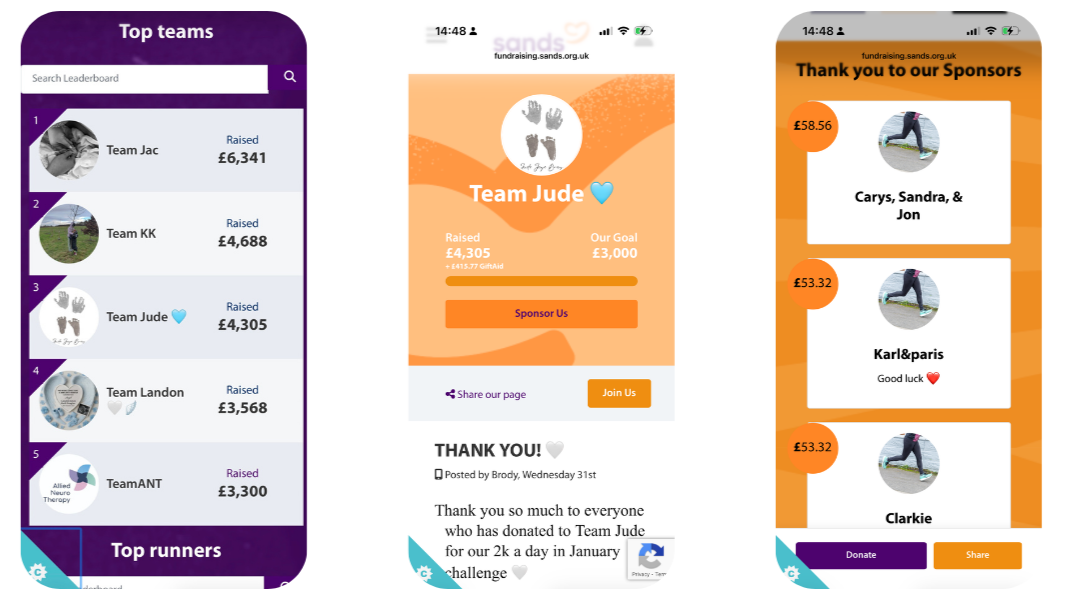
Every donation to individual team members feeds into your team total, so you can see your collective impact at a glance.
More Motivation
Bigger Reach
"The challenge has definitely tested us at times, especially on the wet and cold days, but doing this for Jude has kept us going. Keeping each other accountable for the daily 2K, along with a bit of family competition, has helped us push through."

Brody Phillips, Team Jude - Run 2K a Day in January
How to set up your Team page
You’ve already created your individual fundraising page for your challenge – setting up a team from there only takes a few steps.
1. Go to your fundraising page
Click here for your fundraising page or log in to your Sands fundraising account and open your individual page.
2. Find the “Create a Team” option
3. Add your team details
- Choose a team name (for example “Team for Emily”, “Baby Leo’s Stars” or your workplace name).
- Add a team photo or logo and a short story explaining why you are fundraising for Sands.
4. Set a team fundraising goal
- Share the team link with friends, family, colleagues or your club.
- Make your team page ‘Public’ to allow anyone to join your team directly from your Team page.
5. Invite others to join
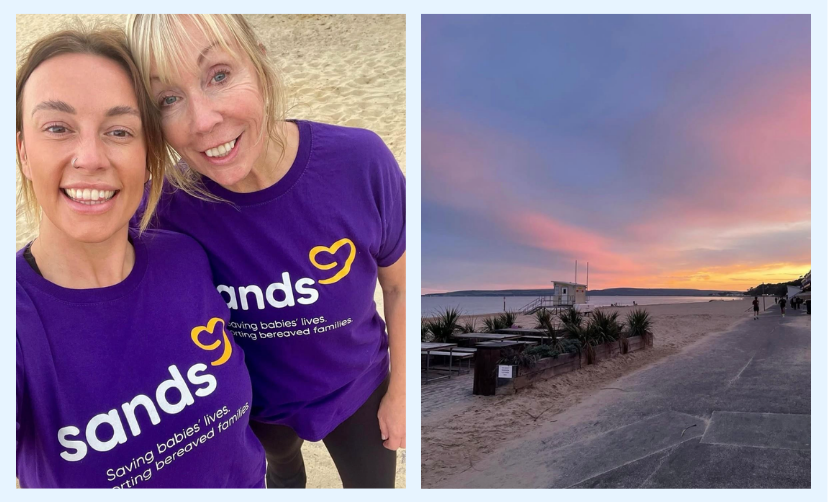
“Despite our busy schedules, we managed to complete our last run along the beach together, with a beautiful sunset that was both emotional and empowering. Completing the challenge side by side is something we will both always remember, and raising a significant amount of money for a charity close to our hearts feels incredibly precious.” - Charlotte Mills, Two Hearts Running Team - Run 50K in September