

Register. Get your free Sands t-shirt. Run every day in February. Help save babies’ lives. 🧡
 Mark vdB just donated £28.00
 B&Q just donated £1000.00
 MM just donated £53.32
 Marie O’Neill-Masoe just donated £21.84
- Sam @ Donny council just donated £10.00
 Jonathan Morse just donated £10.00
- Maria & Alun Hemmings just donated £20.00
 Anonymous just donated £11.33
 Jools just donated £5.00
 Blossom just donated £21.84
- Carla Cornwell just donated £27.05
 Lucy & Josh just donated £27.05
 Susan Clark just donated £20.00
 Arthur, Elijah & Millie xxx just donated £30.00
- James short just donated £32.23
 Gilly just donated £6.11
- Alan just donated £5.00
 Sonia just donated £11.33
 Louise Bates just donated £27.05
- Vicky Bates just donated £10.00
Why?
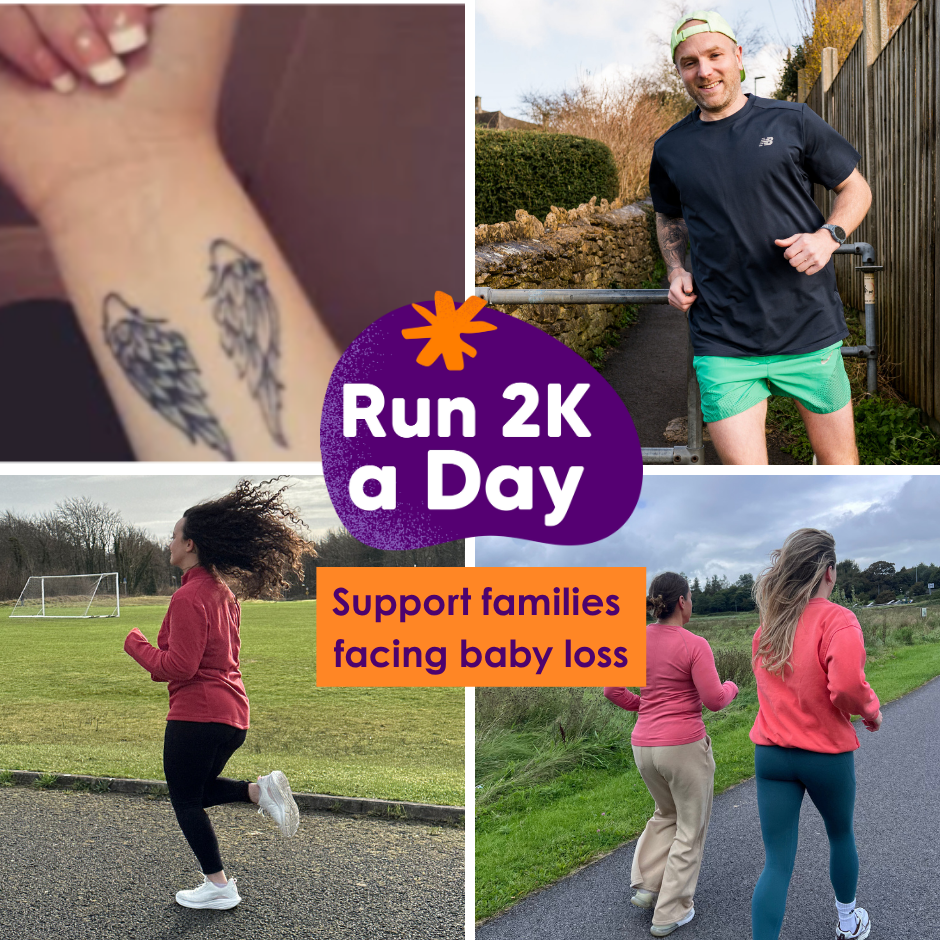
Join the team running together, using our combined power to inspire change and prevent babies from dying. Our runs won't go unnoticed, and the sponsorship we collect will lead to action – saving babies’ lives and improving maternity safety and bereavement care through research, training and campaigning.
Register
Fundraise
Share your fundraising page with friends and family
Run
Join thousands of others and build a running habit over 28 days
Join our Strava Club
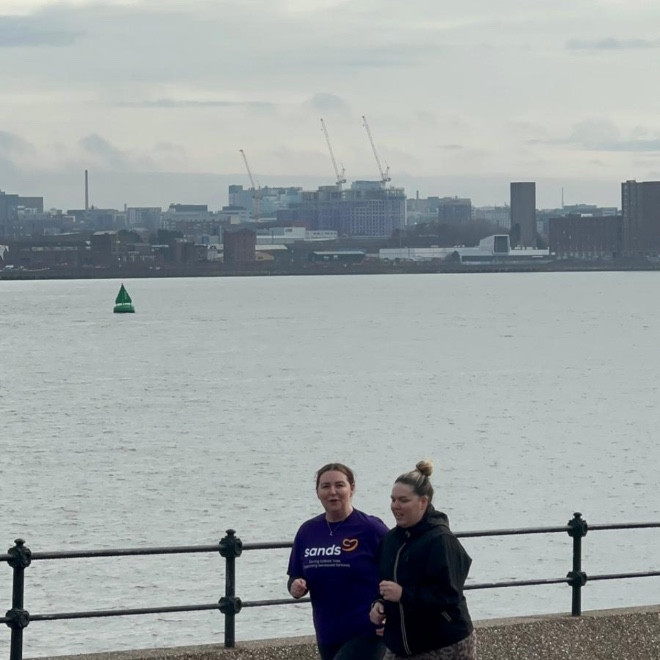
Make sure to check out our Strava club where you can log your runs, post updates and meet others taking on the challenge.





Frequently Asked Questions
How do I sign up?
To sign up to the challenge and register for your fundraising page please click here.
When you register, your fundraising page will be automatically set up for you.
How do I get my fundraising page?
Is there an entry fee?
There is no entry fee for this challenge but we do however ask you to fundraise as part of your challenge.
Using the fundraising page set up for you when you register is the easiest way to collect sponsorship.
How do I keep track of how many KMs I've done?
Your profile page includes your personal distance tally so you can track your distance towards your target. This is a great way to keep your friends updated on your workouts!
You can keep track of your kilometres using any tracker app on your phone, and we do recommend using Strava, Fitbit or Garmin. Don't miss out on joining the Strava club here.
Follow these steps to log your kilometres on your page and keep friends and family updated.
1. Log in to your Sands account by clicking the person icon in the top right of the screen here
2. Click the person icon in the top right again
3. Click My Fundraising
4. Click My Fitness Activity
5. Scroll down to Add Activity and type in how many kms you've done and any other details
6. Click Save Changes
The Health app on iPhone or Google Fit app on Android both keep track of how many kilometres you do each day. There’s other apps available so do pick whichever works best for you.
If you have a pedometer or sports watch, these can usually keep track of your kilometres too.
Once you're done for the day, mark off your kilometres on your paper tracker or on your fundraising page.

