

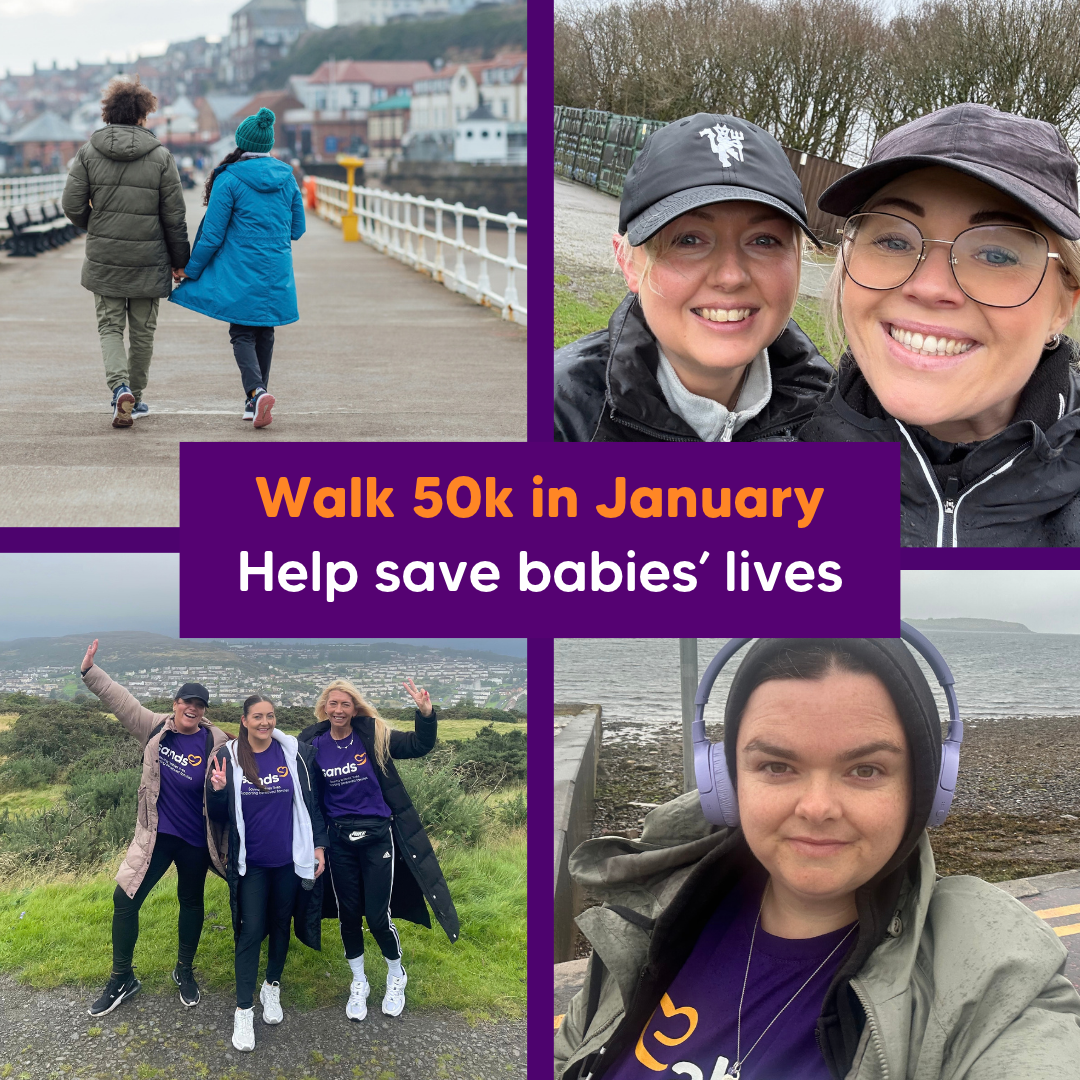
Register. Walk 50k in January. Help save babies’ lives.
£0
Raised
5
Registrations
Why?
Sands want to ensure that everyone affected by the loss of a baby gets the support they need and deserve when facing the toughest of times. We want to campaign for change and support research so that fewer babies die and that fewer families experience the pain of losing a baby.
Register
Fundraise
Share your fundraising page with friends and family
Walk
Walk 50k in January
Top fundraisers
Top teams
Top walkers
Frequently Asked Questions
How do I sign up?
Register here.
When you register, your fundraising page will be automatically set up for you.
Is there an entry fee?
There is no entry fee for this challenge but we do however ask you to fundraise as part of your challenge.
Using the fundraising page set up for you when you register is the easiest way to collect sponsorship.
How do I keep track of how many KMs I've done?
Your profile page includes your personal distance tally so you can track your distance towards your target. This is a great way to keep your friends updated on your workouts!
You can keep track of your kilometres using any tracker app on your phone, and we do recommend using Strava, Fitbit or Garmin.
Follow these steps to log your kilometres on your page and keep friends and family updated.
1. Log in to your Sands account
2. Click the person icon on the top right
3. Click My Fundraising
4. Click My Fitness Activity
5. Scroll down to Add Activity and type in how many kms you've done and any other details
6. Click Save Changes
The Health app on iPhone or Google Fit app on Android both keep track of how many kilometres you do each day. There’s other apps available so do pick whichever works best for you.
If you have a pedometer or sports watch, these can usually keep track of your kilometres too.

