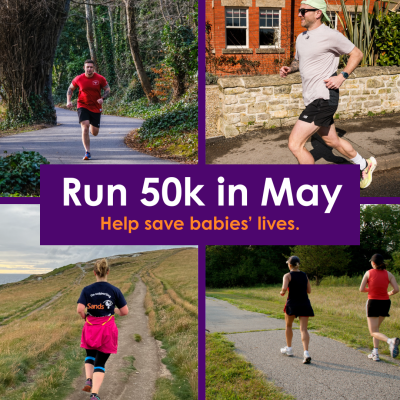
Run 50k in May
Donate to 50k in May to support bereaved families and help save babies’ lives 💜
Donate to 50k in May to support bereaved families and help save babies’ lives 💜
1,911
Registrations
 Anonymous just donated £55.88
Iona & Baisana just donated £10.00
 Louise Wragg just donated £10.00
 Louise Wragg just donated £10.00
 Antony Poppleton just donated £40.00
Jarlath McCaughery just donated £55.88
 Yaling Cahilog just donated £15.00
 Karen just donated £28.00
 Chris & Angela Harrison just donated £22.80
 Mark Fitzgerald just donated £28.00
 Padraig Goulding just donated £107.00
 Mum & Dad just donated £104.60
Dan just donated £10.00
 Slimming World just donated £11.55
- PIB Community Trust just donated £600.00
 Anonymous just donated £80.00
 Trevor just donated £10.00
Christine Tannahill just donated £43.60
 Michelle just donated £38.41
- Anonymous just donated £43.60
Why?
We all know someone who has experienced baby loss, and there’s something we can do to support them - together. Sign up to run 50k in May your way - all you have to do is fire up your Strava and get tracking! Start fundraising and know that every pound will go to saving babies’ lives.
Register
Registrations are now closed. Check out our upcoming challenges!
Fundraise
Share your fundraising page with family and friends!
Run
Start your run 50k on the 1st May and join thousands others taking part.
Join our Strava Club
Make sure to check out our Strava club where you can log your runs, post updates and meet others taking on the challenge.